
About Roohy · 10 min read
Does Roohy work? What to expect at every age
Written by Roohy Team
Read more: Does Roohy work? What to expect at every ageAbout Roohy
4 min read
Written bythe Roohy editorial team
Published
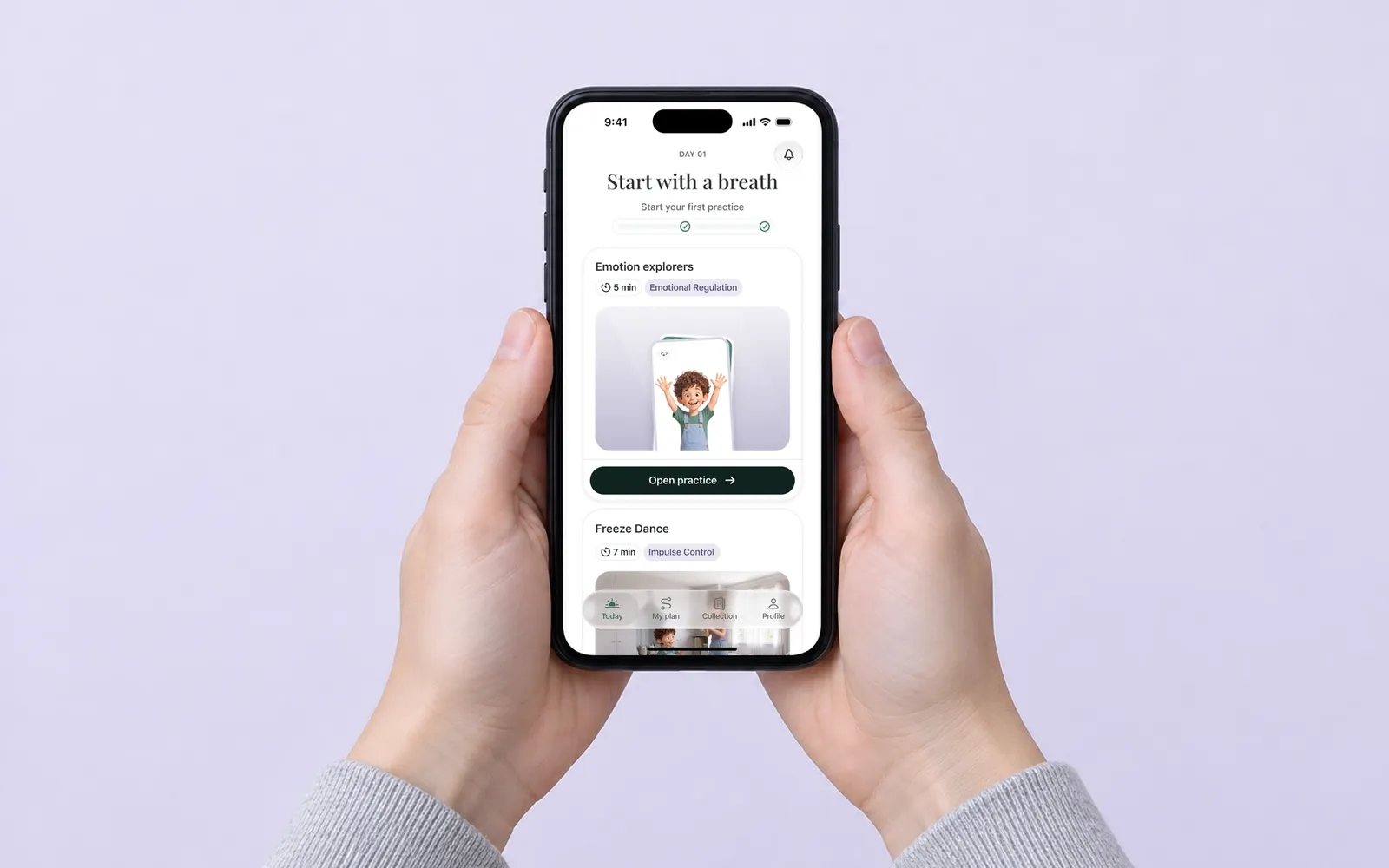
Priorities change, and that’s completely okay. Maybe your schedule got busier, maybe you’re traveling for a while, or maybe Roohy just isn’t what you need right now. We always try to make things work for the people who use Roohy, so if you’ve decided to stop for now, you may cancel your Roohy subscription or pause it for as long as you need. Here’s how to do both.
Both options stop the next payment, so pick the one that suits you right now:
Not sure yet? Drop a line to support@roohy.com, and we can figure it out together. Sometimes a different plan length or a short break is all it takes.
The steps are the same in the Roohy app on iPhone and Android and on the website:
Before the last step, you may see an extra screen or two, such as an offer to switch to another plan. They’re optional, so feel free to skip them if you’ve made up your mind.
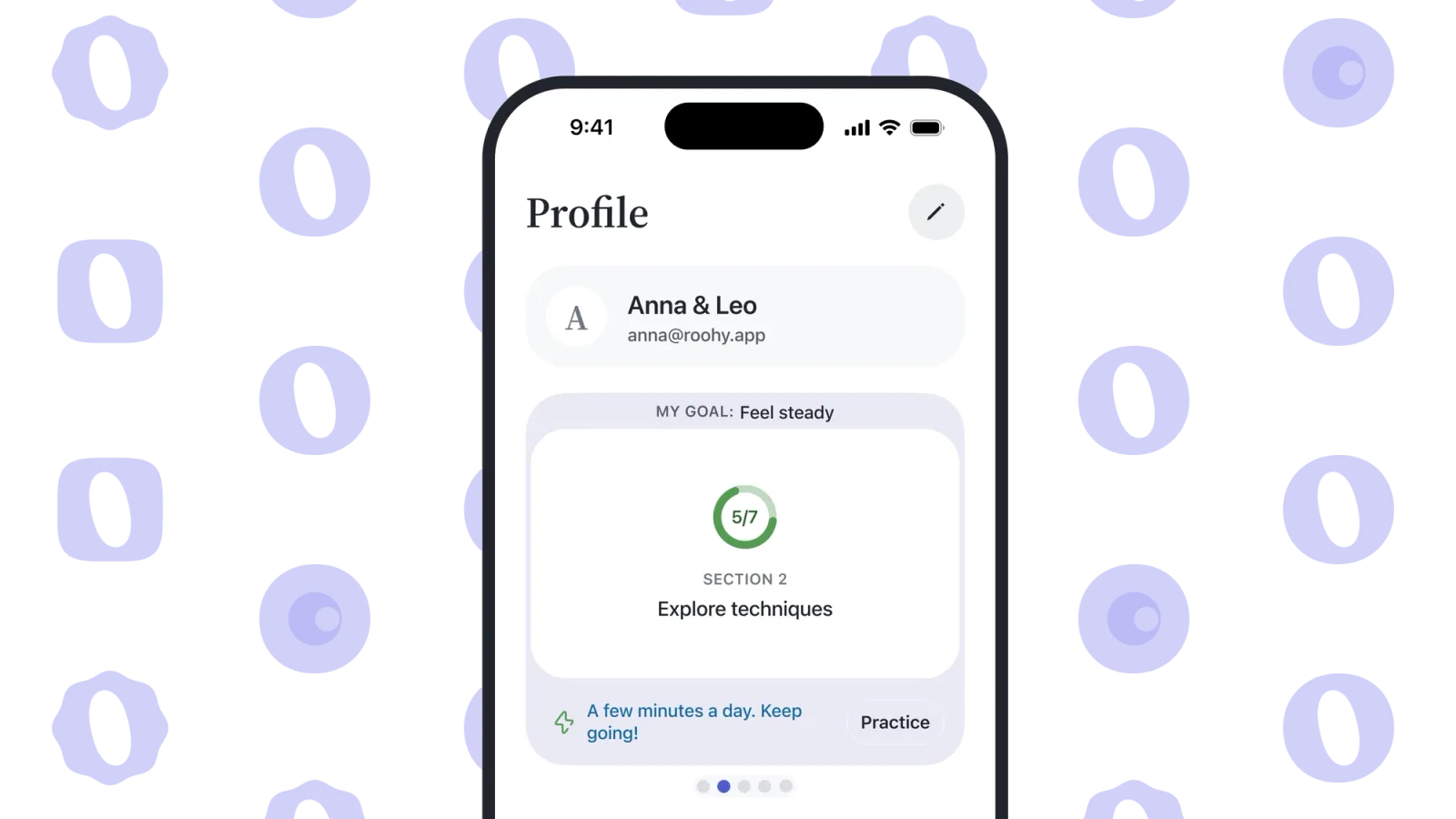
That works too! Email support@roohy.com using the same address as your Roohy login and ask us to cancel. That way we can find your subscription quickly, and we’ll reply once it’s done.
Removing Roohy from your phone doesn’t end your subscription. To stop renewals, follow the steps above or just email us.
Each Roohy subscription period rolls into the next one automatically. To stop the next renewal, cancel before your current period is over. We suggest doing it at least a day ahead of your renewal date, so there’s no last-minute rush. You can see that date in Manage Subscription.
Nothing switches off right away. You can keep using Roohy through the rest of the time you’ve paid for. Once it runs out, access closes and nothing else is charged.
Changed your mind later? You can return whenever you like: retake the quiz or drop us a line, and we’ll help you start a new plan.
If Roohy still works for you but the timing doesn’t, a pause can be a better choice than cancelling. Holidays, a big move, a hectic month at work: tell us how long you need, and we’ll set the break up for you.
To pause, email support@roohy.com from your account address and tell us how long you’d like the break to last. We’ll confirm the details before anything changes. You won’t be charged during the pause, and your plan picks up again automatically once the break ends.
If you’re thinking of leaving because something isn’t right, tell us. Maybe the practices feel too easy, the timing doesn’t suit your routine, or a payment looks off. Our team will take a look and can often fix the problem, suggest a different plan, or set up a pause.
About Roohy · 10 min read
Written by Roohy Team
Read more: Does Roohy work? What to expect at every age

About Roohy · 5 min read
Written by Roohy Team
Read more: Roohy reviews: what it brings to kids and parents English
 Deutsch
 Français
 Español
 Italiano
 Português
 Português (Brasil)
 Polski
 العربية
 Čeština
 日本語
 Türkçe